Claude Code 入门使用
Claude Code Simple Using
1. 背景
按照前文介绍 安装好Claude Code,开始基础的入门
首先了解,Claude Code能做什么?
- 从描述构建功能:用纯英文告诉 Claude 您想构建什么。它将制定计划、编写代码并确保其正常工作。
- 调试和修复问题:描述一个错误或粘贴一条错误消息。Claude Code 将分析您的代码库、识别问题并实施修复。
- 导航任何代码库:询问关于您团队代码库的任何内容,并获得深思熟虑的答案。Claude Code 维护对整个项目结构的认识,可以从网络上查找最新信息,并且通过 MCP 可以从 Google Drive、Figma 和 Slack 等外部数据源提取数据。
- 自动化繁琐的任务:修复棘手的 lint 问题、解决合并冲突并编写发布说明。从您的开发机器上用一个命令完成所有这些,或在 CI 中自动完成。 ## 2. 快速入门
创建一个文件夹,然后按照需求命名,这里命名为Claude Code/test,里面有一个很小的测试项目,进入终端,切换到创建文件夹的目录下,输入以下命令: Claude --dangerously-skip-permissions,进入对话模式
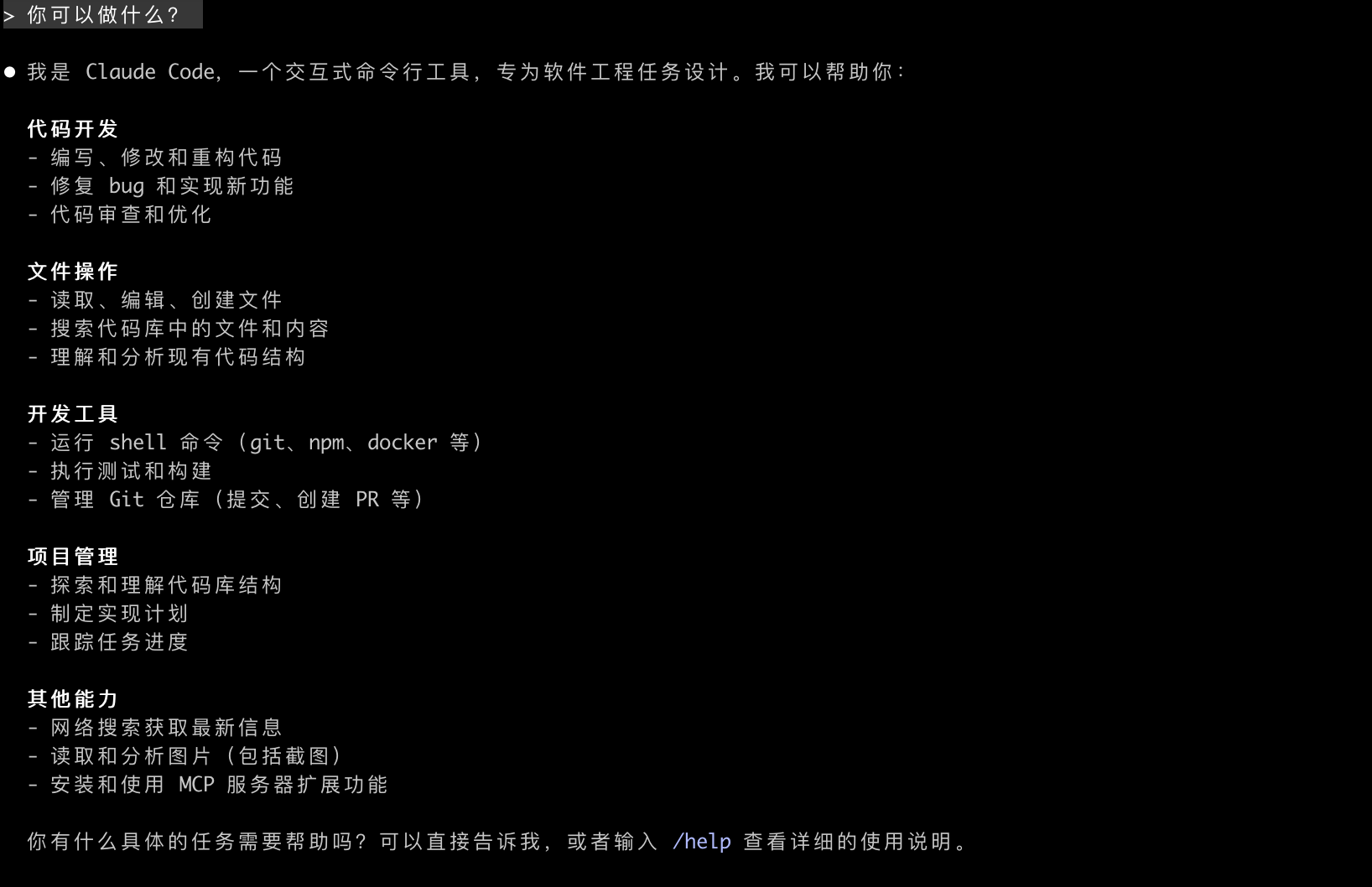
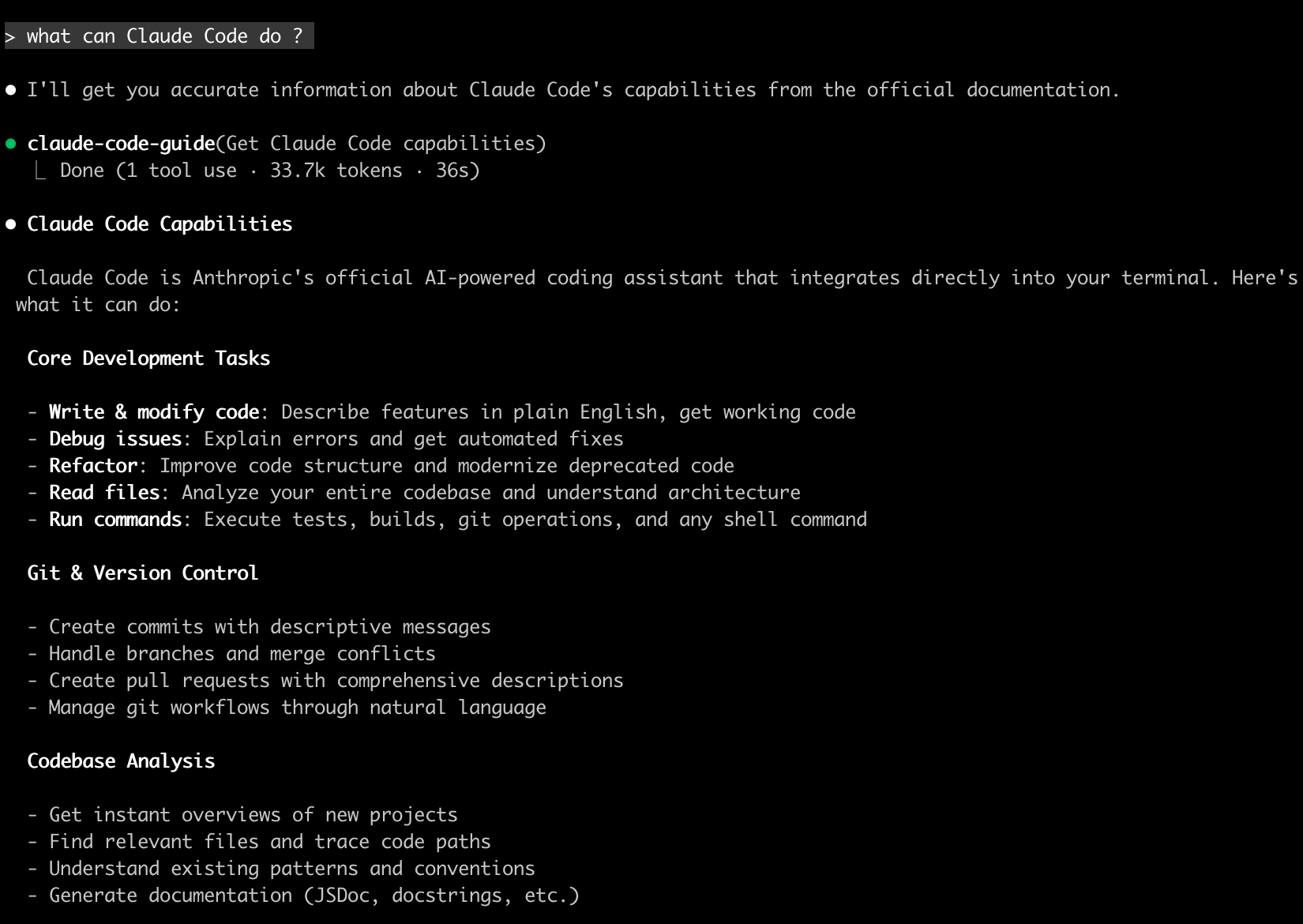 (width=“50%”)
中文/英文都是可以自如对话
2.1 交互功能
进入交互界面之后,输入第一个问题
what dose this project do?
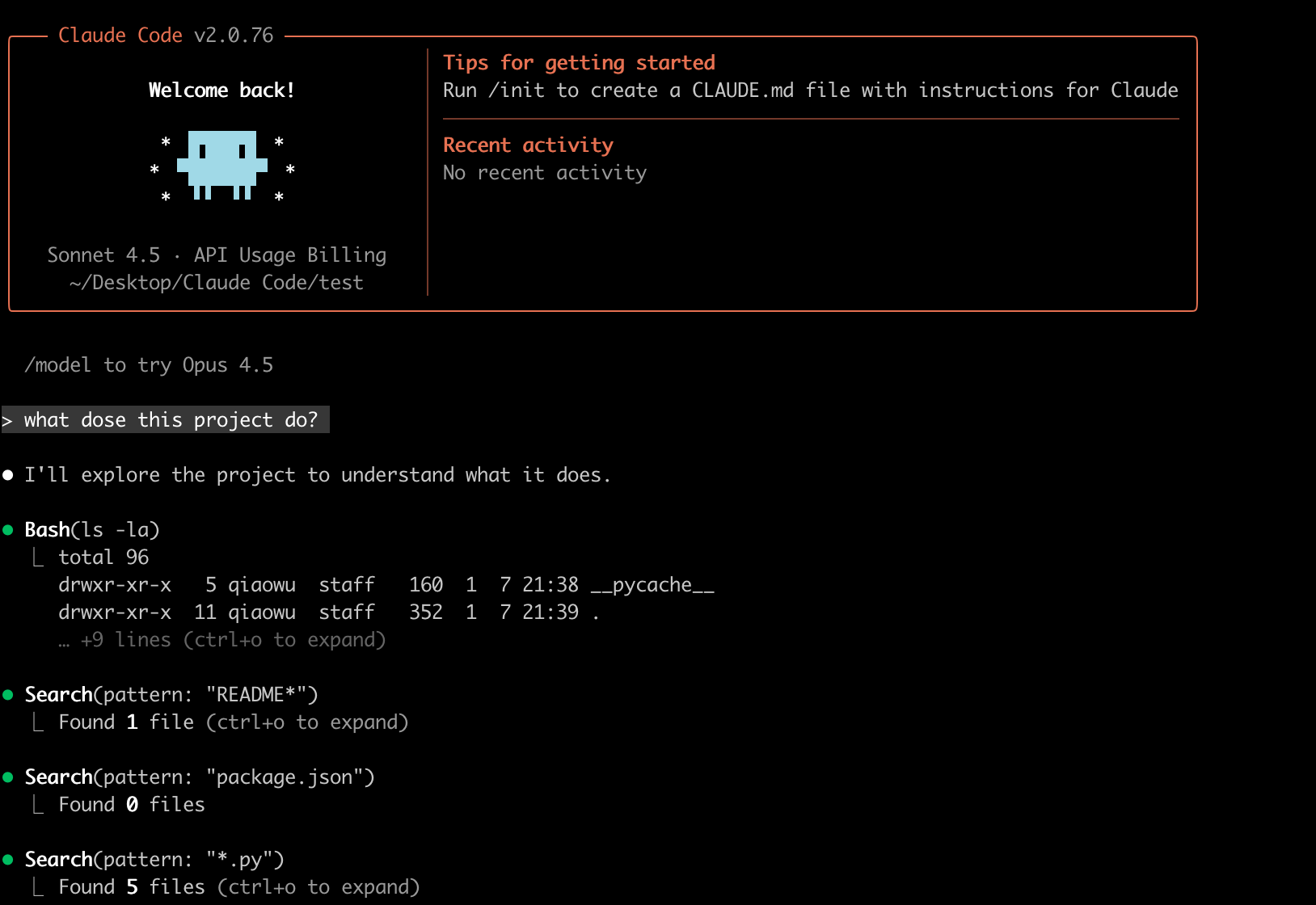
Claude Code会自我执行各种命令,然后查看project中文件进行分析,最后给出结果
⏺ This is a Todo List Management System (待办事项管理系统) - a Python educational project for beginners. Here's what it does:

  Purpose: A complete task management application that demonstrates core programming concepts including OOP, database CRUD operations, UI design, and proper code architecture.

  Key Features:
  - View todo items (all/completed/incomplete)
  - Add new todos with title and description
  - Update todos and toggle completion status
  - Delete todos with confirmation
  - Search by title/description
  - View statistics (total, completed, completion rate)
你可以问各种想问的问题
where is the main entry point? what technologies does this project use?
2.2 进行代码修改
让 Claude Code 进行一些实际的编码。尝试一个简单的任务:
> add a hello world function to the main fileClaude Code将 - 找到文件 - 显示修改 - 确认修改
> > add a hello world function to the main file

⏺ Update(main.py)
  ⎿  Added 5 lines
      257          self.running = False
      258
      259
      260 +def hello_world():
      261 +    """打印 Hello World"""
      262 +    print("Hello, World!")
      263 +
      264 +
      265  def main():
      266      """主函数"""
      267      app = TodoApp()

⏺ Done! Added hello_world() function at main.py:260-262. You can call it with:

hello_world()Claude Code 在修改文件前总是请求许可。您可以批准单个更改或为会话启用”全部接受”模式。
还有很多常见的功能
重构代码
> refactor the authentication module to use async/await instead of callbacks
编写测试 > write unit tests for the calculator functions
更新文档 > update the README with installation instructions
代码审查 > review my changes and suggest improvements
2.3 基础命令
Claude Code有两种形式的交互,一种是直接在bash终端进行交互;一种是进入Claude Code内进行/交互
下面命令是常见的bash交互命令
| 命令示例 | 功能描述 | 适用场景 |
|---|---|---|
claude |
启动交互模式 | 进入持续的对话环境,适合反复讨论、逐步完善任务 |
claude "task" |
运行一次性任务 | 直接处理具体指令(如:claude "fix the build error") |
claude -p "query" |
运行一次性查询并退出 | 快速获取信息(如:claude -p "explain this function") |
claude -c |
继续最近的对话 | 回到上一次未完成的上下文中 |
claude -r |
恢复之前的对话 | 从历史记录中选择并恢复旧的会话 |
claude commit |
创建 Git 提交 | 自动分析代码变更并生成 / 执行 Git commit |
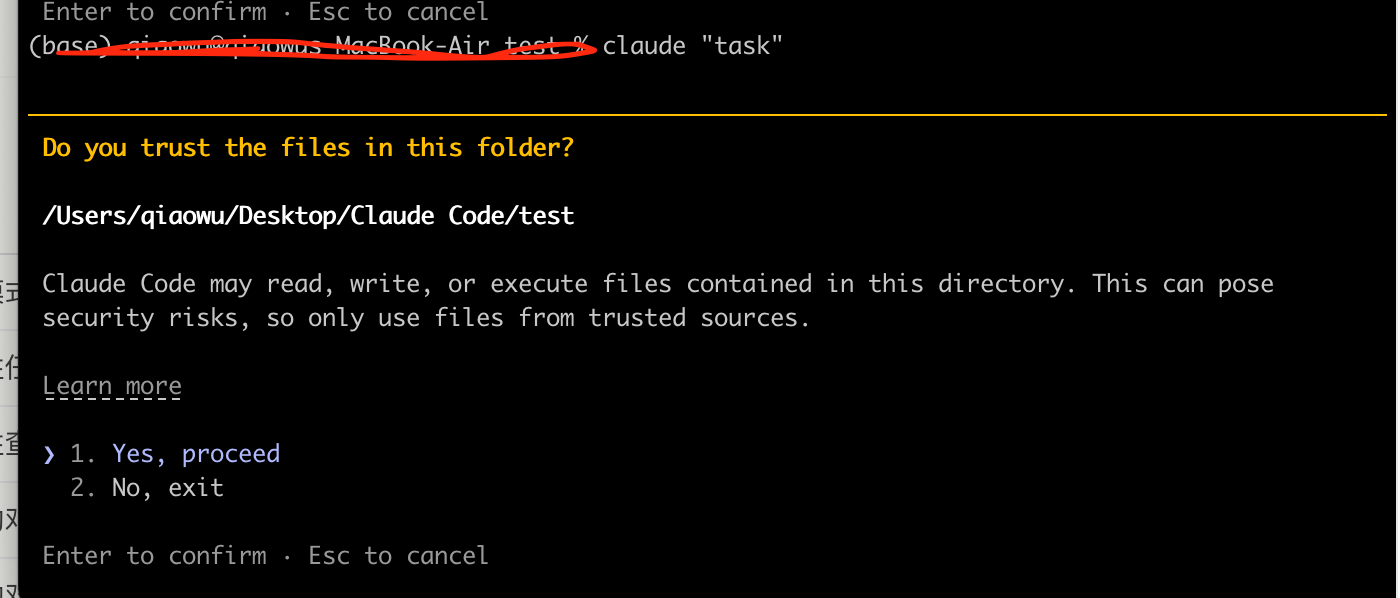
进入Claude Code之后,输入/ 即可看到提示,有非常多的功能,看到了Claude Code的强大
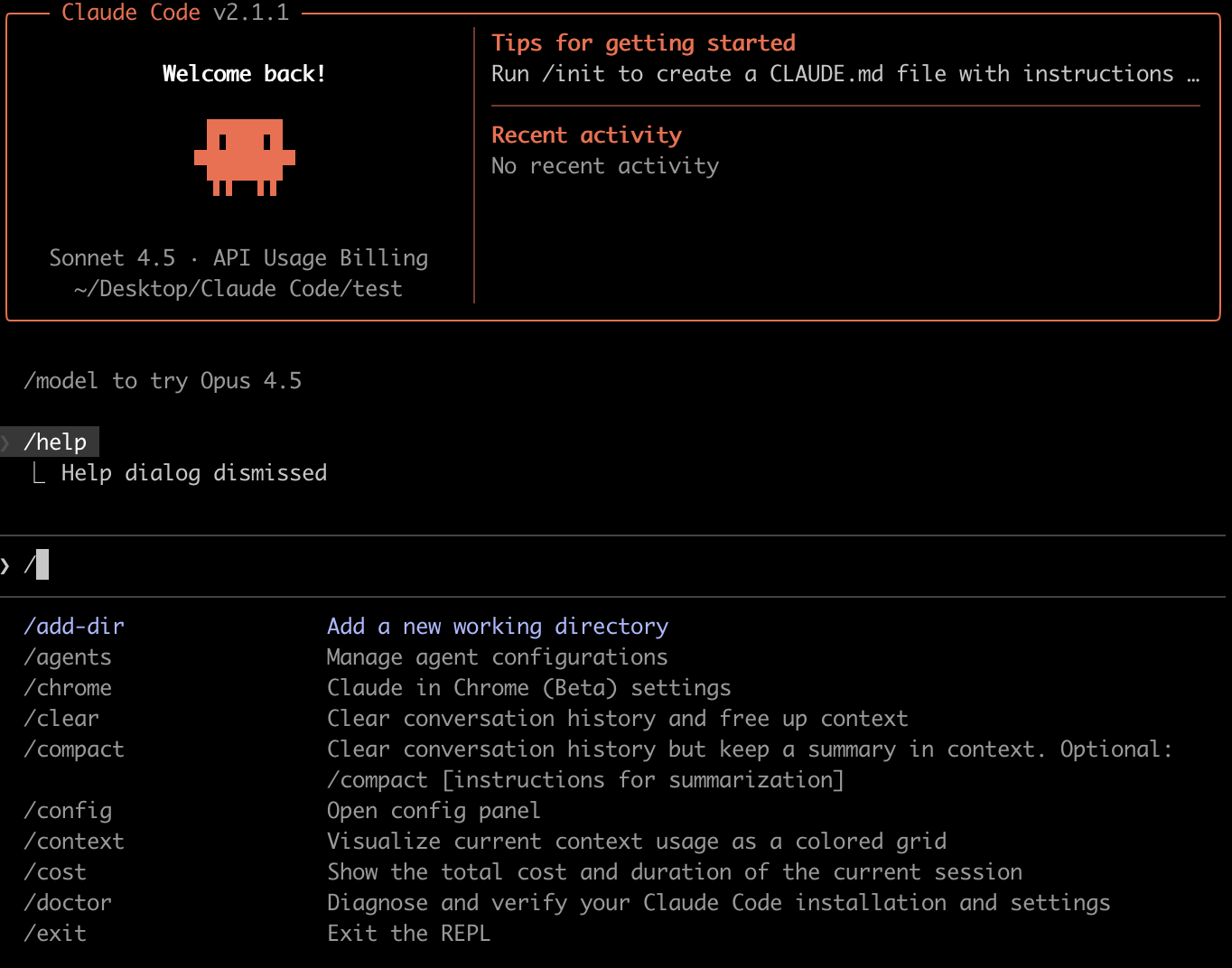
而在Claude Code内部进行交互,同样可是使用?来查看所有可用的键盘快捷方式
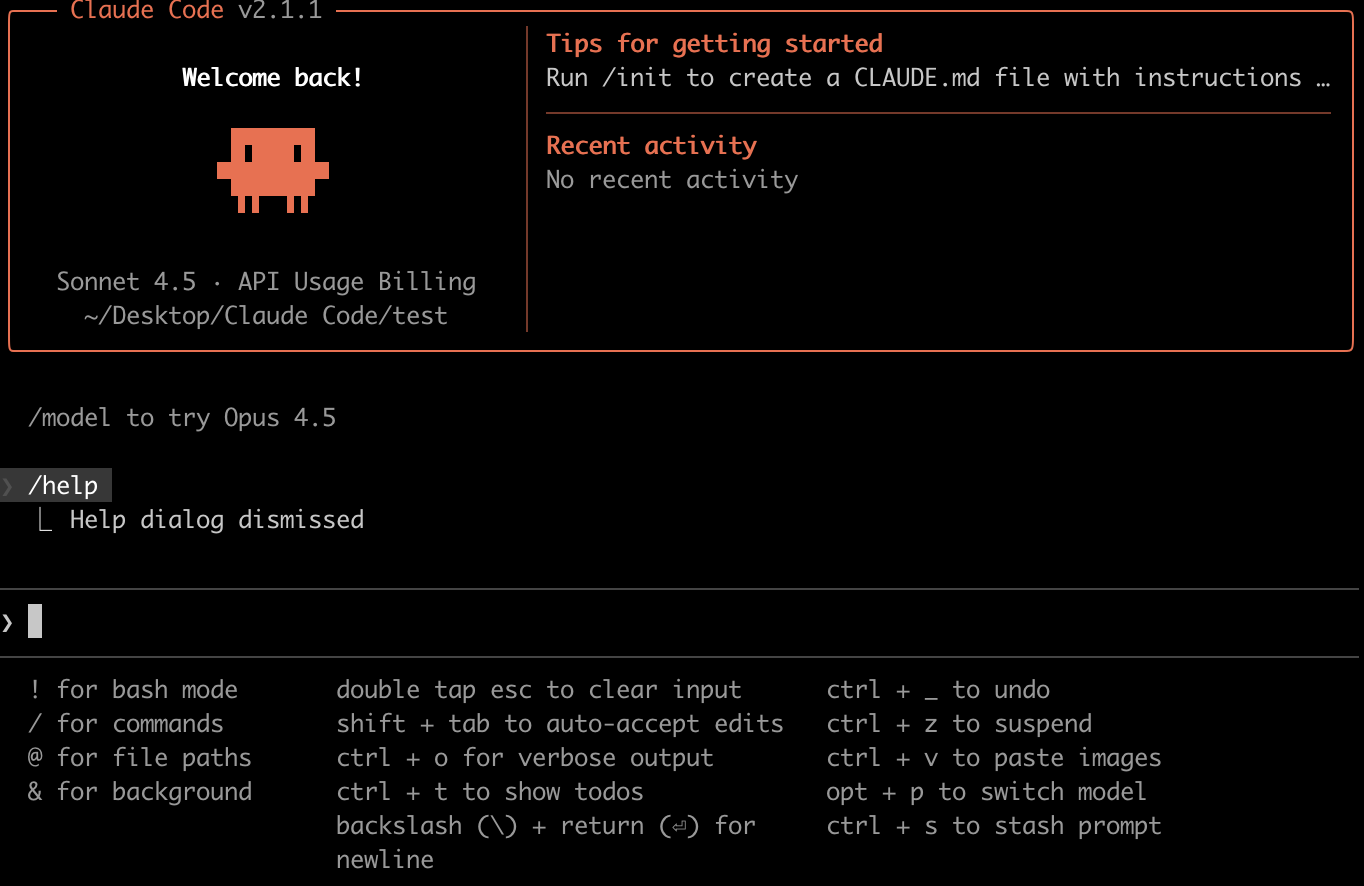
2.4 专业提示
Claude Code有对我们初学者给的专业建议
对于请求要非常具体,例如要用
fix the login bug where users see a blank screen after entering wrong credentials,而不是fix the login bug。尽量使用分步说明,而不是笼统的一步
进行更改之前,让Claude先探索,并且理解自己的代码。
> analyze the database schema,> build a dashboard showing products that are most frequently returned by our UK customers多使用快捷方式,节省时间。使用
Tab进行命令补全,使用 ↑ 查看命令历史